Step 1: Navigate to the App Store
From the left sidebar, click App Store. The left column lists all available Apps, grouped by origin, such as Local Custom (your organization's Apps) and Official (Operaide starter templates and reference Apps). Select an App to see its details on the right.
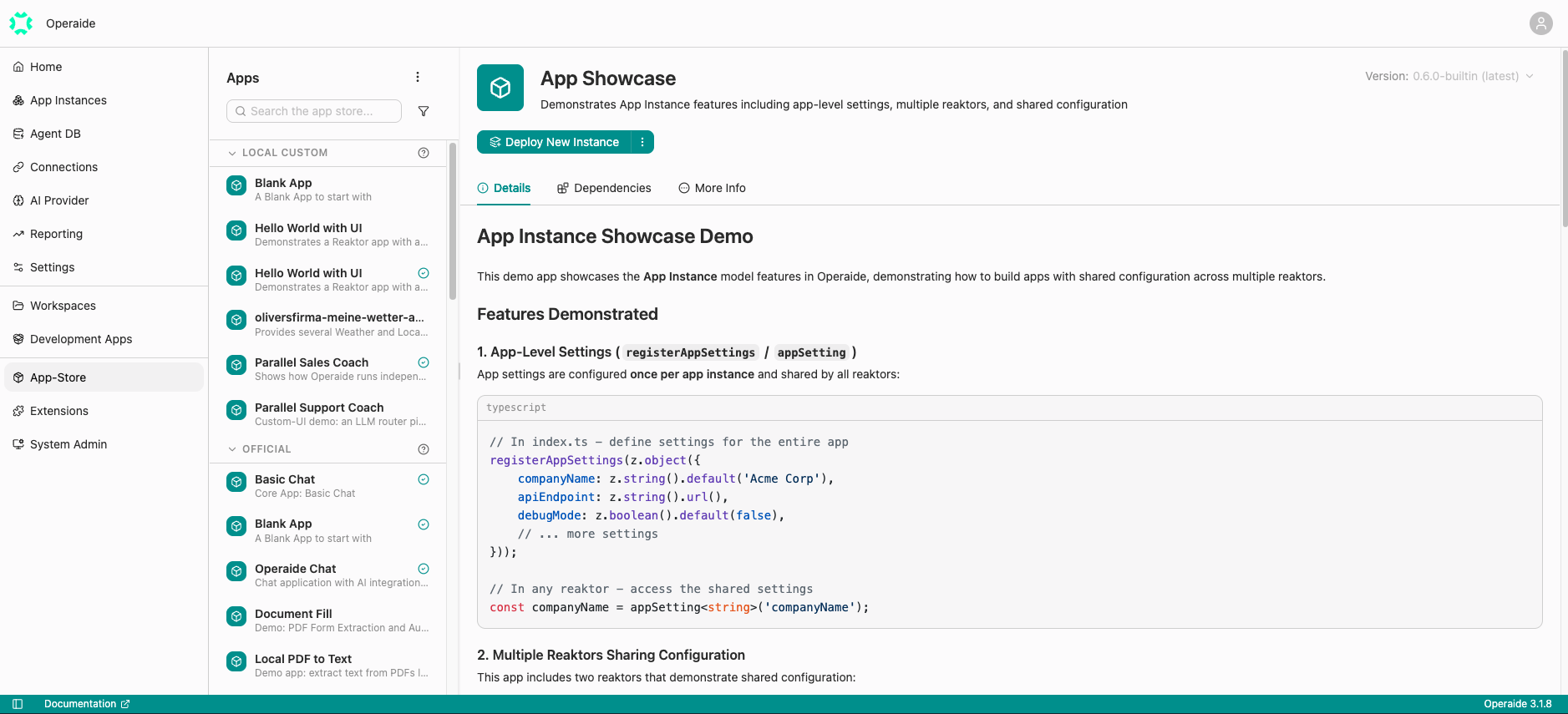
The detail panel shows:
- The App name, description, and icon
- A version picker (top right) for the dev, stable, and built-in channels
- Deploy New Instance, plus Details, Dependencies, and More Info tabs
tip
The App Store is the main entry point for starting new projects. From an App's detail panel you can open it in Studio to explore and edit its source, or deploy it directly as an App Instance.