Step 5: Resume Editing Your App
You can always resume editing your apps by navigating to Workspaces in the left sidebar.
Here you can see all your active Operaide Studio instances. Click "Open in Studio" to resume development where you left off.
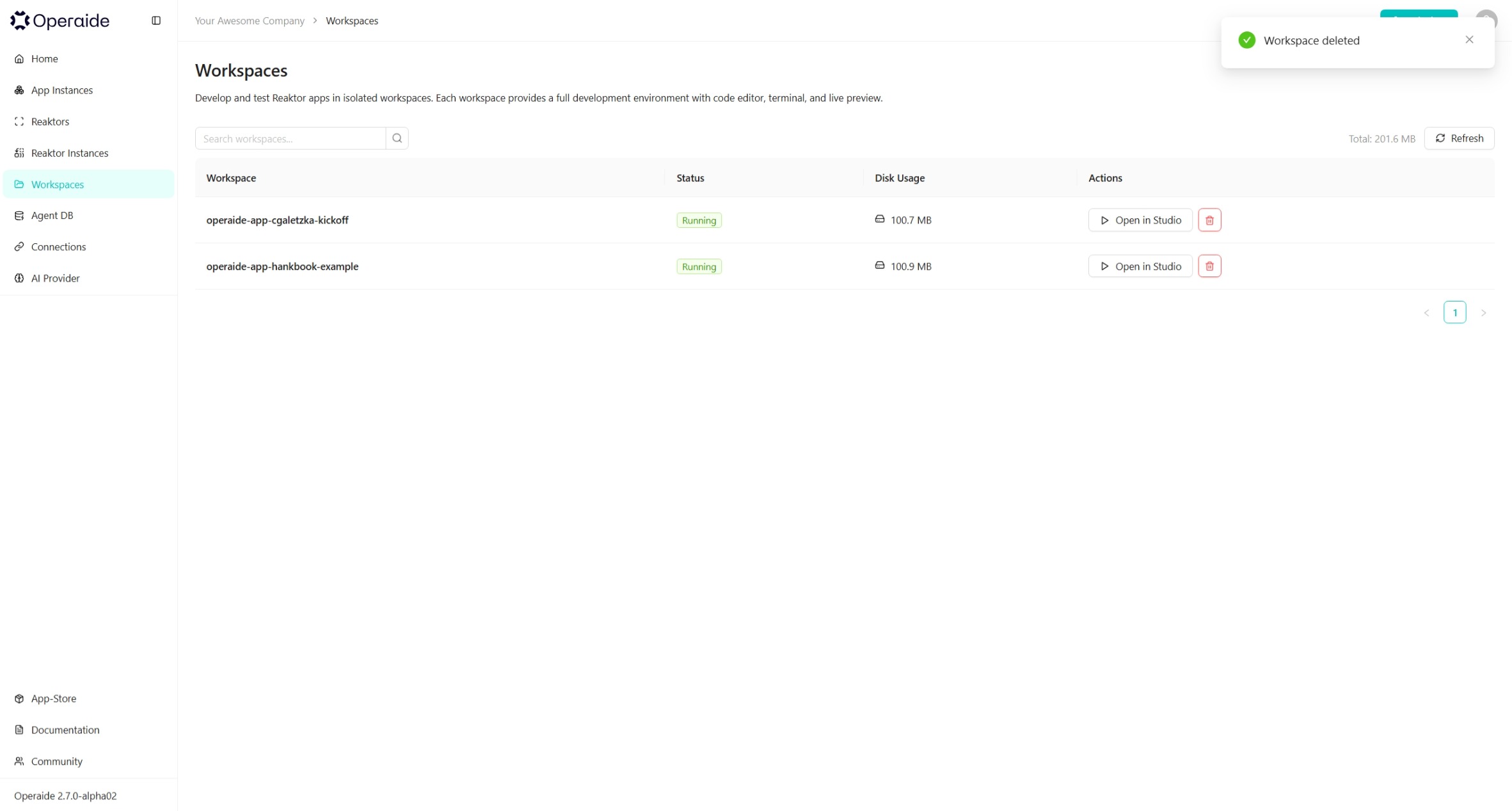
You can also choose to delete a Workspace if you no longer need it. This will not delete your deployed app — only the development environment.
What's Next
You've built and deployed your first App. To go deeper:
- Learn the concepts: Key Concepts covers the App Store model, Reaktor/Aktor framework, and LLM calls.
- Master the IDE: Operaide Studio is the full reference for the browser-based development environment.
- Advanced patterns: Advanced Tips covers prompt engineering, error handling, and polling reaktors.