Step 1: Navigate to the App Store
From the left sidebar, click on App Store. This opens the App Store, where you can browse all available Apps — including starter templates, reference implementations, and any Apps published by your organization.
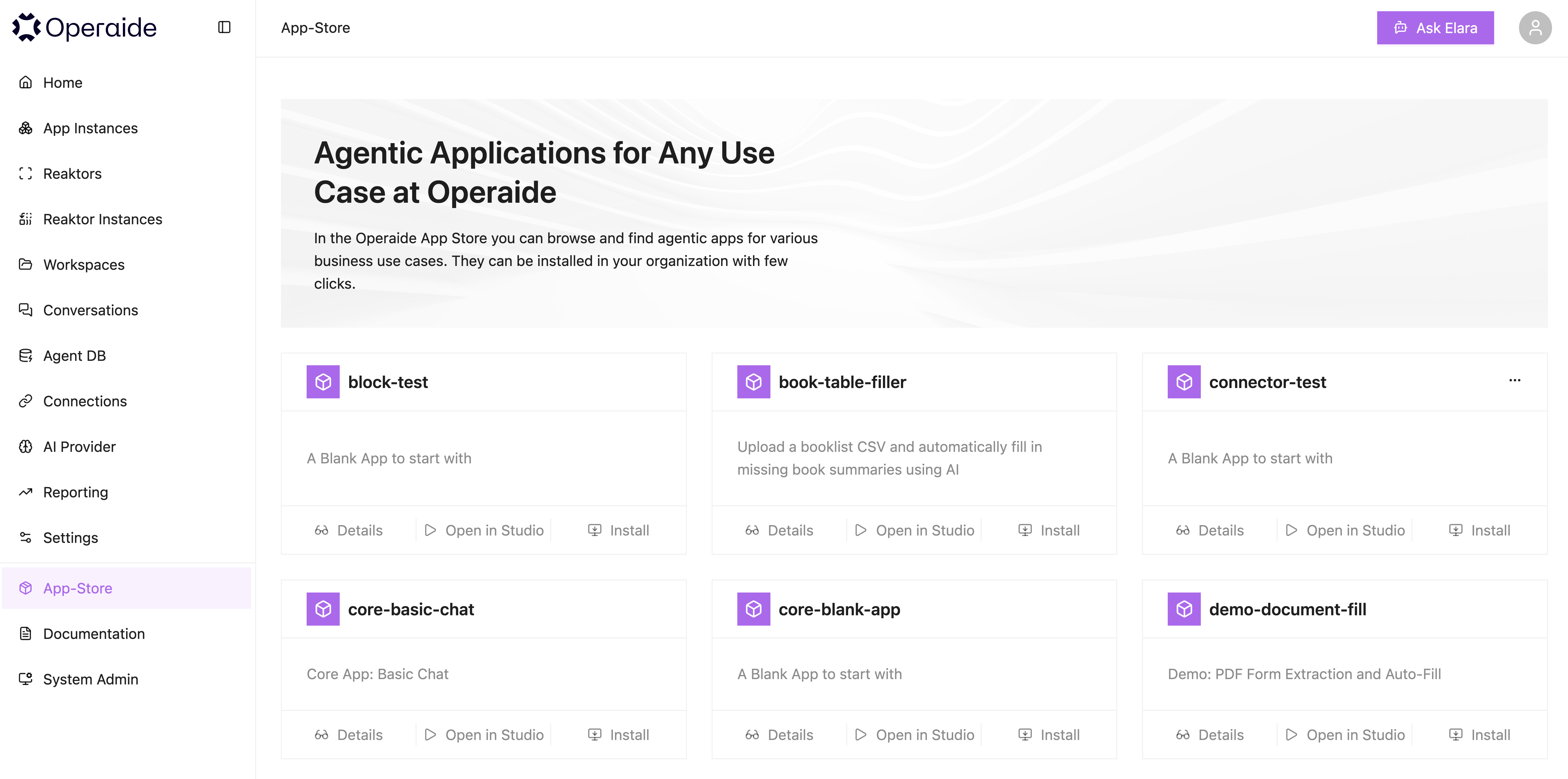
Each App is displayed as a card showing:
- App name and description
- Category and quality badge (e.g., reference, template)
- Available actions: Install and Open in Studio
tip
The App Store is the main entry point for starting new projects. You can open any App directly in Studio to explore its source code, or install it to create a running App Instance.